What does a clinic website need for a visitor to book?
Per treatment page: what it is, who it suits, the process, a price guide, the practitioner, reviews and FAQs. Plus one booking button always on screen.
 Thomas, Marketing ConsultantNovember 20266 minutes read
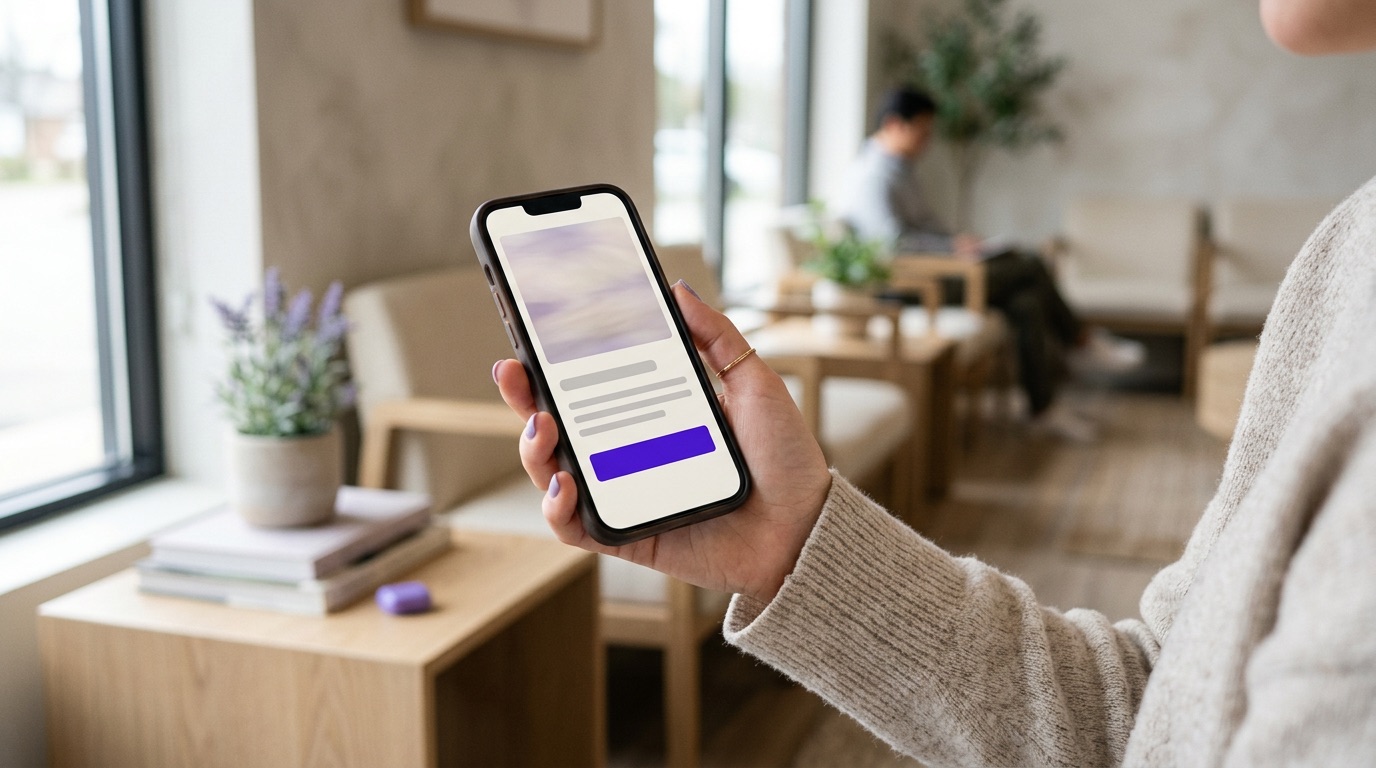
A visitor books when your website answers three questions: can this clinic help me, can I trust them, and how do I make an appointment? On each treatment page that means: what the treatment is and who it is for, how the process works, a price guide, who will treat you (with BIG registration where it applies), reviews and answers to common questions. Around that you need one clear booking button that stays on screen on mobile, one-tap calling or WhatsApp, and a site that loads quickly.
Start with the treatment page, not the homepage
Someone searching for a treatment or a complaint is best sent straight to the page about that treatment. That page has to work on its own. A visitor who sees nothing else of your site should find everything they need to book. Below is the structure we recommend most often in our reviews, from top to bottom.
1. At the top: what it is, who it is for, and the button
On the first screen, put a heading that says what the treatment is and which concern it addresses, one or two sentences on who it is meant for, your review score and the booking button. A mood photo with a slogan and no explanation leaves the visitor guessing where they have landed.
Choose one main action. For treatments where people want advice first, that is often a consultation. For a simple treatment it is booking directly. A second, quieter button can sit next to it, such as 'Book an appointment' beside 'Free consultation', but avoid a row of buttons competing with each other.
2. The process, from first contact to aftercare
Describe in a few steps what happens: the consultation or intake, the treatment itself and how long it takes, what to expect afterwards and how aftercare is arranged. People who know what is coming are more willing to book.
If you offer a consultation, give it its own page explaining what you discuss and how long it takes. Such a page takes away hesitation and is also a good destination for ads. On the treatment page, also say who the treatment is not suitable for and what the risks or side effects are. It shows you work carefully.
3. A price guide that is accurate
Visitors want to know where they stand. Give a price, a starting price, or explain what the price depends on, such as the number of sessions or the size of the area.
In the Netherlands, the consumer authority ACM requires prices for consumers to be shown in euros including VAT, with additional costs included in the price where possible, and a calculation or realistic example when the price depends on what someone chooses. If your clinic charges separately for the consultation or aftercare, say so clearly next to the price.
4. Who treats you: name, face, registration
Show on the treatment page itself who carries out the treatment, with a photo, role, training and experience. That is where the decision is made, not on an About us page that hardly anyone opens. In our reviews we often see a team page with no real people, or first names only.
If a doctor, dentist or nurse works with you, give their BIG number. The Dutch BIG register is a public register that anyone can search by name or number. Not every profession is listed. A beauty therapist or skin therapist has no BIG registration; mention their training and any quality register they belong to instead.
5. Reviews and questions on the page itself
Show your review score at the top and place a few written reviews about that specific treatment further down. A full review from a client says more than stars alone. Also check that your review block shows the right score and recent reviews.
At the bottom of every treatment page, answer the questions you hear most often at reception or in messages. Does it hurt, how many sessions are needed, when can I exercise again, what does a consultation cost? Keep the answers short and plain, and do not promise results. They help the visitor, and they are easy for Google and AI assistants to read.
6. On mobile: one button, always on screen
Many visitors look at your site on their phone. Make sure the booking button stays fixed at the bottom of the screen while scrolling, and that it goes straight to the right treatment in your booking system. A button that lands on the general overview makes the visitor search all over again.
Not everyone wants to book straight away. Make it easy to get in touch first:
- Make your phone number tappable so calling takes one tap. We still regularly see numbers that cannot be tapped on mobile, which also means those calls are not measured.
- Add a WhatsApp button for people who prefer to ask a question, and agree who answers messages and how quickly.
- Put your address, opening hours and directions close to the button.
- If you have many international clients, make sure both the English version of your site and your booking flow work.
7. Speed and trust
Test your site with Google's PageSpeed Insights and on your own phone using mobile data rather than wifi. A cause of slow pages we come across often is large photos that were never resized for the web.
Trust lives in the details. Use your own photos of the clinic, the team and your equipment instead of stock images. Make certifications or awards clickable to a short explanation. Remove what puts people off: a blog full of placeholder text, social icons that lead nowhere, a button that does not work.
Be careful with promises. Avoid words like 'guaranteed' or 'the best' and do not promise results. For botox and fillers, Dutch law bans advertising prescription medicines to the public, so write about the consultation and the doctor, not the product. If in doubt, have your copy checked.
Check that it works
Measure whether visitors to a treatment page actually book, for example with a thank-you page after booking that you set up as a conversion in Google Analytics. Count clicks on call and WhatsApp as well. Then you can see which pages work and which to fix first.
Checklist for each treatment page
- At the top: what it is, who it is for, review score and one booking button.
- The process from consultation to aftercare, plus risks and who it is not suitable for.
- A price guide including VAT, or an explanation of how the price is set.
- The practitioner with photo, training and BIG number where it applies.
- Written reviews about this treatment.
- Frequently asked questions with short answers.
- On mobile, a fixed booking button, a tappable phone number and WhatsApp.
- A fast page and measurement of bookings.
Want to know how your site scores on these points? In the free Clinic Scan, Clinic Agency carries out a full analysis across nine areas, including your website. Thomas gives you a short call first with a few questions, and in a 30-minute meeting you get the analysis and a tailored proposal. You are also free to carry out the plan yourself.
Frequently asked questions
Is a free consultation better than booking online directly?
It depends on the treatment. For invasive or expensive treatments people often want advice first, so make the consultation the main button. For simple treatments, direct booking usually works better.
Should I put a BIG number on my website?
If a doctor, dentist or nurse works with you, it makes sense to show the BIG number, because visitors can check it in the public BIG register. Beauty therapists and skin therapists are not in the BIG register; mention their training and quality registration instead.
Does every treatment page need a price?
An exact price is not required, but a guide or an explanation of how the price is set helps visitors book. If you do show a price, the ACM requires it to include VAT.
In the Clinic Scan we look at your new client flow, your follow-up and your existing client base.