How fast should you follow up on an enquiry, and how do you handle it with WhatsApp Business?
Who follows up, what to say and how to set up WhatsApp Business: follow up every clinic enquiry quickly with scripts, fixed steps and one overview.
 Thomas, Marketing ConsultantNovember 20266 minutes read
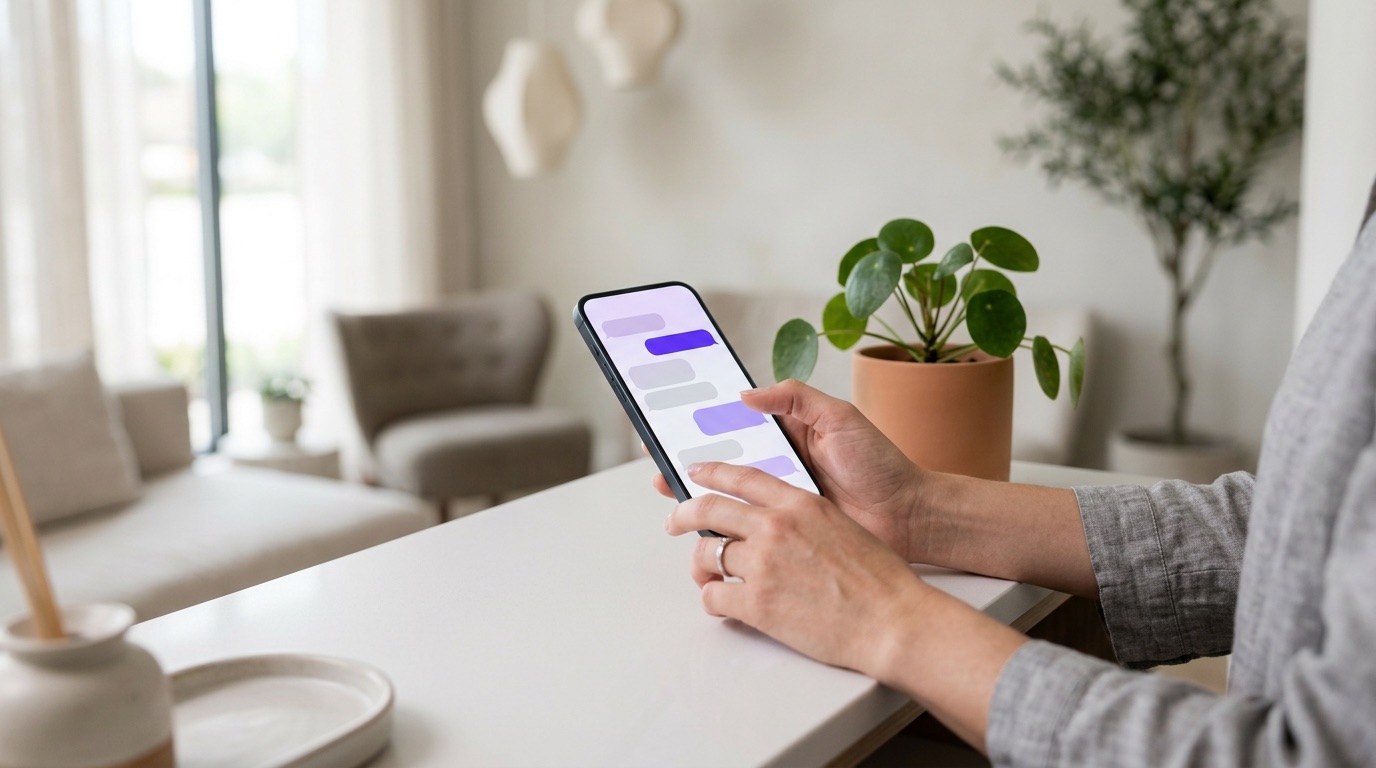
Follow up on an enquiry as fast as you can: within the hour during opening hours if possible, and outside opening hours with an automatic reply that says when the person will hear from you. Agree who does it, call first and send a WhatsApp message afterwards, and log every enquiry in one place. WhatsApp Business covers most of this for free: a greeting, an away message, quick replies and labels.
Why speed matters so much
Someone who requests a consultation is thinking about the treatment right now, and often asks other clinics too. Whoever calls back first with a clear next step has the edge. A few days later the interest has faded, or the person is already booked elsewhere.
This is not a new insight. Researchers writing in Harvard Business Review in 2011 ('The Short Life of Online Sales Leads') already concluded that most companies respond far too slowly to online enquiries. We see the same thing in the accounts we review: enquiries picked up after several days, or not at all.
We also see the opposite problem. In one account we reviewed, many enquiries came in through a lead form inside an ad, but a large share of those people turned out to be unreachable. Fast follow-up starts with an enquiry where the person actually expects you to call.
Agree who follows up
It usually goes wrong because everyone assumes someone else will pick it up. Make one person per day or shift responsible for new enquiries, with a fixed backup for sickness and holidays. In a small clinic that is often the owner or the receptionist.
As enquiries grow, appoint someone who only handles first contact and books appointments.
Bring every channel together in one place
What we often see: some enquiries sit in the inbox, some in Instagram messages and some in a staff member's WhatsApp. Nobody has the full picture.
- The contact form on your website
- Phone, including missed calls
- Instagram and Facebook messages
- Lead forms in ads
Put every enquiry straight into one list or into your booking system, with name, phone number, treatment, channel, date, owner and status. A shared spreadsheet is enough to start. Use a few fixed statuses, such as new, called, booked, no response and closed, so everyone sees at a glance what is still open.
What do you say? Three short scripts
A script makes sure everyone offers the same next step. Keep it short and always end with a concrete proposal.
Phone: 'Good afternoon, this is Lisa from [clinic]. You left an enquiry today about a consultation. Do you have a moment? What would you like to know? ... The easiest next step is a consultation with our doctor, who will look at what suits you. I have Thursday at 10:00 or Friday at 15:30. Which works better?'
WhatsApp, if you cannot reach them: 'Hi Sanne, Lisa from [clinic] here. I just tried to call you about your consultation request. When is a good time to call? Or pick a slot here: [link].'
Email, if you only have an address: subject 'Your enquiry at [clinic]'. 'Hi Sanne, thanks for your enquiry. The first step is a 30-minute consultation with our doctor. You can see the available times here: [link]. Rather talk first? Send me your number. Best, Lisa.'
Keep the medical content for the consultation. Ask only what you need to schedule in a chat, promise no results, and with botox or fillers refer to the consultation and the doctor, never the product.
Setting up WhatsApp Business in an afternoon
WhatsApp Business is WhatsApp's free app for businesses. These five features, all described in WhatsApp's own guidance, are the ones we recommend to every clinic:
- Business profile: fill in every field, including address, website and opening hours.
- Greeting message: an automatic welcome for new customers, so nobody is left without a response.
- Away message: an automatic reply outside opening hours. WhatsApp advises always stating when people can expect an answer.
- Quick replies: saved answers to frequent questions, inserted with a shortcut such as '/hours'.
- Labels: sort chats, for example 'new enquiry', 'waiting for info' and 'booked'.
An away message could read: 'Thanks for your message. We are closed right now. We will get back to you tomorrow from 9:00. Want to book a consultation straight away? You can do that here: [link].' Then keep that promise and start each day with the messages from the evening before.
Create quick replies for the questions you get every week: how the consultation works, where you are and where to park, what to bring and the link to your calendar.
What is allowed on WhatsApp?
WhatsApp's Business Messaging Policy, which also covers the WhatsApp Business app, says you may only contact people who have given you their number and have opted in to receive further messages. You must also respect every request to stop or block, and people should expect the messages they receive.
Replying to someone who messaged you first fits what that person expects. If you want to send reminders or offers later, ask for permission separately, for example in your form or when booking. Dutch rules also apply to marketing by electronic message; have it checked if in doubt.
A follow-up sequence nobody forgets
One call is not enough; many people do not pick up unknown numbers. A fixed sequence stops you from making too little or too much contact:
- Same day: call. No answer? Send a short WhatsApp message or email straight away with a link to your calendar.
- Next working day: call again, at a different time of day.
- A few days later: one message answering a common question, with the link again.
- After that: a final message asking whether you can close the request. Then set the status to closed.
If someone does not want further contact, note it in your list so a colleague does not try again.
Make the next step visible on your website
Many websites only say the team will be in touch after a form is sent. Show what happens instead: when you will call and how the consultation works. Better still, let people book a short call themselves straight after the form.
Make phone numbers tappable on mobile, put WhatsApp on every page and measure every enquiry, call and WhatsApp message.
Your next step
Start small: this week, appoint one person, put all open enquiries in one list and set up a greeting, an away message and three quick replies in WhatsApp Business. Want help? Book the free Clinic Scan. Thomas calls you briefly first, we carry out an analysis across nine areas and in a 30-minute call you get a tailored proposal. You are free to carry out the plan yourself.
Frequently asked questions
How quickly should I follow up on an enquiry?
As quickly as you can. Our advice is within the hour during opening hours, and outside them an automatic reply stating when you will be in touch.
Can I contact someone who filled in a form via WhatsApp?
WhatsApp's business policy requires that the person gave you their number and opted in to messages. So ask for that permission in your form, and always respect a request to stop.
What is the difference between a greeting message and an away message?
A greeting message automatically welcomes new customers. An away message goes out when you are unavailable, for example outside opening hours, and says when people can expect a reply.
In the Clinic Scan we look at your new client flow, your follow-up and your existing client base.