Setting up your Google Business Profile for more bookings and reviews
Categories, services, photos, booking button and reviews: how to set up your Google Business Profile, one profile per location, within the rules.
 Thomas, Marketing ConsultantNovember 20266 minutes read
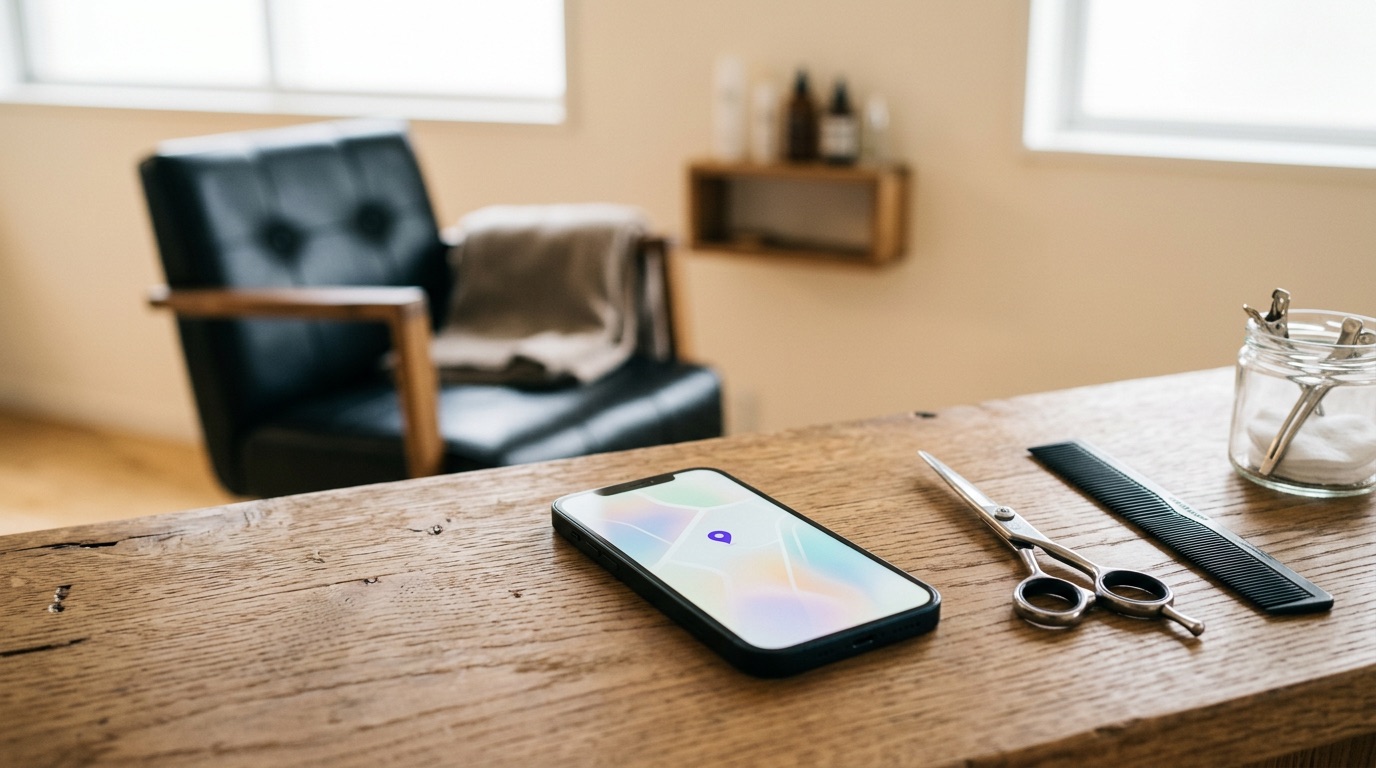
A well set-up Google Business Profile brings a hair salon more bookings, because it is often the first thing people see of you in search or on Google Maps. The basics: choose the right category, list all your services, use recent photos of your own, add a booking button that goes straight to your diary and ask every client for a review. If you have more than one location, each location gets one profile of its own that links to its own location page.
This article is written for hairdressers and barbers, but the steps work just as well for beauty salons and clinics. These are the points we come across in almost every audit.
1. Pick the right category and your real name
Google's guidelines ask you to use as few categories as possible, choosing the most specific one that describes your core business. Categories are not meant to be used as keywords. For a hairdresser that means the hair salon or barber category, not ten variations on top.
If you also offer something genuinely different, such as a nail studio or beauty salon under the same roof, a second category may fit. We often see profiles with only one generic category when a better match exists. So take a critical look, but never add something you do not actually do.
Use the name on your shopfront and website as your business name. Google does not allow extra words in the name, such as a town or 'cheap haircuts' if that is not your real name. That belongs in the description and services.
2. List all your services
Adding services and grouping them helps Google understand what you are relevant for. It also helps the client who wants to know whether you do what she is looking for. Use the words clients use, with a short explanation and a price or starting price where possible.
- Cuts: women, men, children
- Colour: roots, highlights, balayage
- Styling: blow-dry, updo, bridal hair
- Treatments: hair mask, keratin treatment
- Barber: beard trim, straight-razor shave
Also write a clear profile description: what you do, for whom, what sets you apart and which neighbourhood you are in. Specific beats generic.
3. Photos that show who you are
In our audits we often find outdated photos at the top, while a recent shoot sits unused. Put your newest and best images first. People book with people, so show your team at work, the salon itself and the results of your craft.
- A logo and cover photo that match your brand
- The interior and entrance, so people recognise your place
- The team, ideally at work
- Your work, such as cuts or colour results
If a client is recognisable in a photo, get written consent first. If you are a clinic offering medical treatments, be cautious with result photos and have them checked when in doubt.
4. A booking button without detours
You can add an appointment link to your profile. Point it straight to your own booking system and to the right location. In one profile we audited, clicking the booking button first led to a choice screen. Every extra step is a moment where people drop off.
- Link the booking button directly to your online diary, not your homepage.
- Add WhatsApp as a contact option. For many clients it is the lowest barrier.
- Check your phone number and opening hours, including around public holidays.
- Make sure prices and services in your profile match your booking system.
5. Posting updates
Posts on your profile show that your business is active. Keep them practical: a new team member, changed hours around the holidays, a new treatment or slots that have just opened up. Add a photo of your own and a button to your booking page. A fixed rhythm, such as every two weeks, is enough.
6. Asking for and replying to reviews
Reviews carry a lot of weight with new clients. It helps to make asking for them part of the working day rather than something you do now and then. Stay within Google's rules. According to Google's official contribution policy, you may not:
- reward a review, for example with a discount, a free product or a free treatment;
- selectively ask only happy clients for reviews or discourage negative ones;
- pressure clients into writing a review on the spot;
- set review targets for staff or ask them to request specific content;
- have reviews posted by people with a conflict of interest, such as staff or business partners.
An approach that works within those rules: ask everyone at a fixed moment, for instance after payment, with a card carrying a QR code to your review link. Add the link to the confirmation or thank-you email from your booking system as well.
Reply to every review, positive ones included. Thank people briefly and personally. Reply to a negative review calmly and factually, and invite the client to continue the conversation outside Google. In our audits we often see that the critical reviews are exactly the ones left unanswered, while those are what new clients read first. Clinics should never confirm in a reply that someone is their patient.
Show good reviews on your website too, with stars and written text at the top of the homepage and on the pages your ads point to.
7. One profile per location, linked to the right page
Google's guidelines allow no more than one profile per location. Three salons means three profiles, each with the exact address of that location. What we often see: every profile links to the homepage and the booking button is not set up per location.
So create a page per location on your website, with the address, opening hours, team, reviews and a booking button for that location. Point each location's profile to that page. That way someone who taps your salon in Maps lands in exactly the right place.
A short monthly check
- Are opening hours, phone number and booking link still correct?
- Are there new reviews waiting for a reply?
- Are recent photos at the top?
- Has an update been posted in the past few weeks?
- Have new services or price changes been added?
Start with the booking button and the review link: those two pay off fastest. Then go through categories, services and photos, and set a fixed moment each month to keep the profile up to date.
Frequently asked questions
Can I give clients a discount in exchange for a Google review?
No. Google's policy prohibits rewards for reviews, such as discounts, free products or free services. Ask everyone for an honest review without offering anything in return.
How many categories should I choose?
Google advises as few categories as possible, choosing the most specific one that describes your core business. Only add another category if you genuinely offer it as a main activity.
Do I need a separate profile for each location?
Yes, one profile per physical location, with its exact address. Link each profile to its own location page on your website, with a booking button for that location.
In the Clinic Scan we look at your new client flow, your follow-up and your existing client base.